Meet Ask Subby
Your AI Staff Management Assistant, Right in Your Pocket.
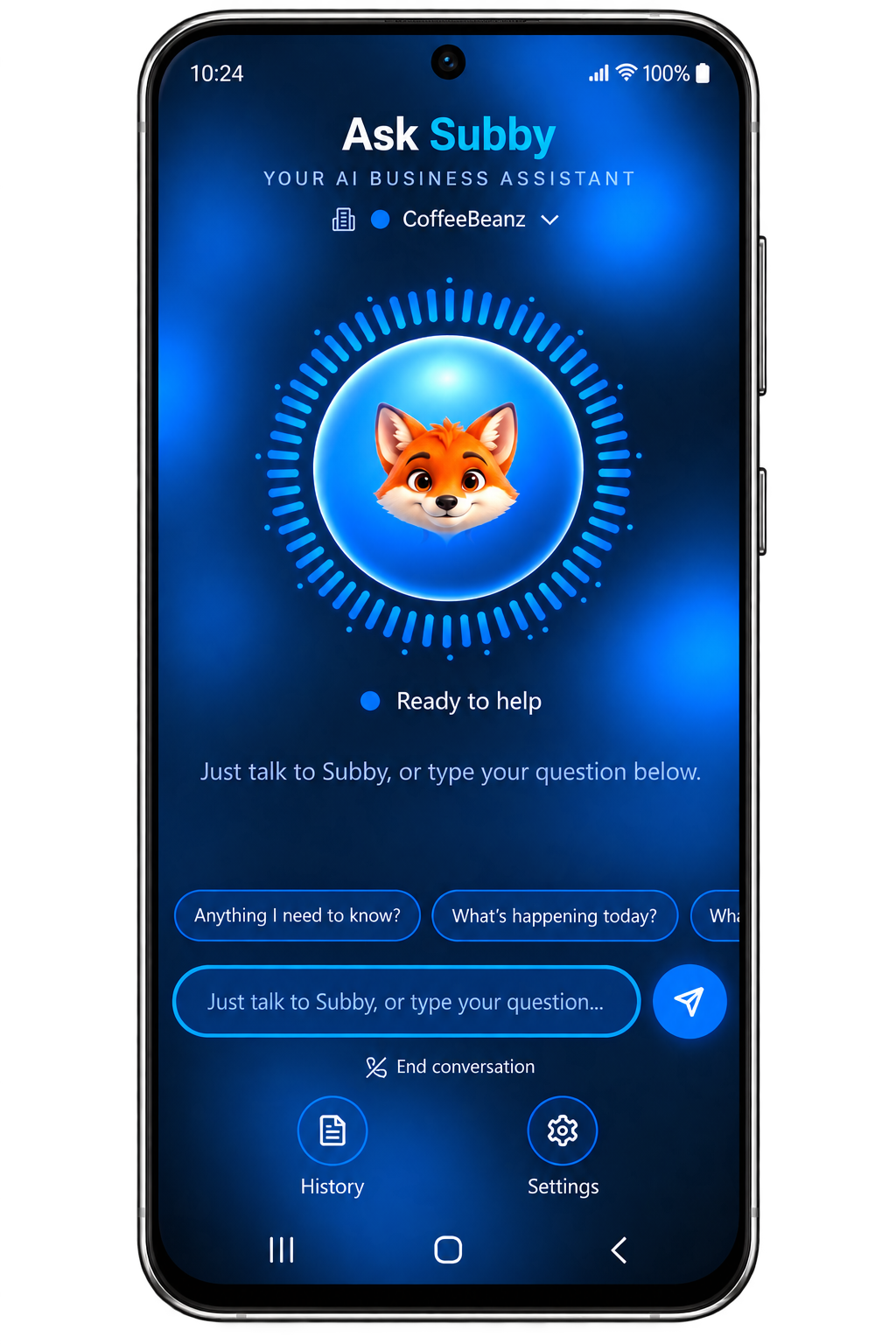
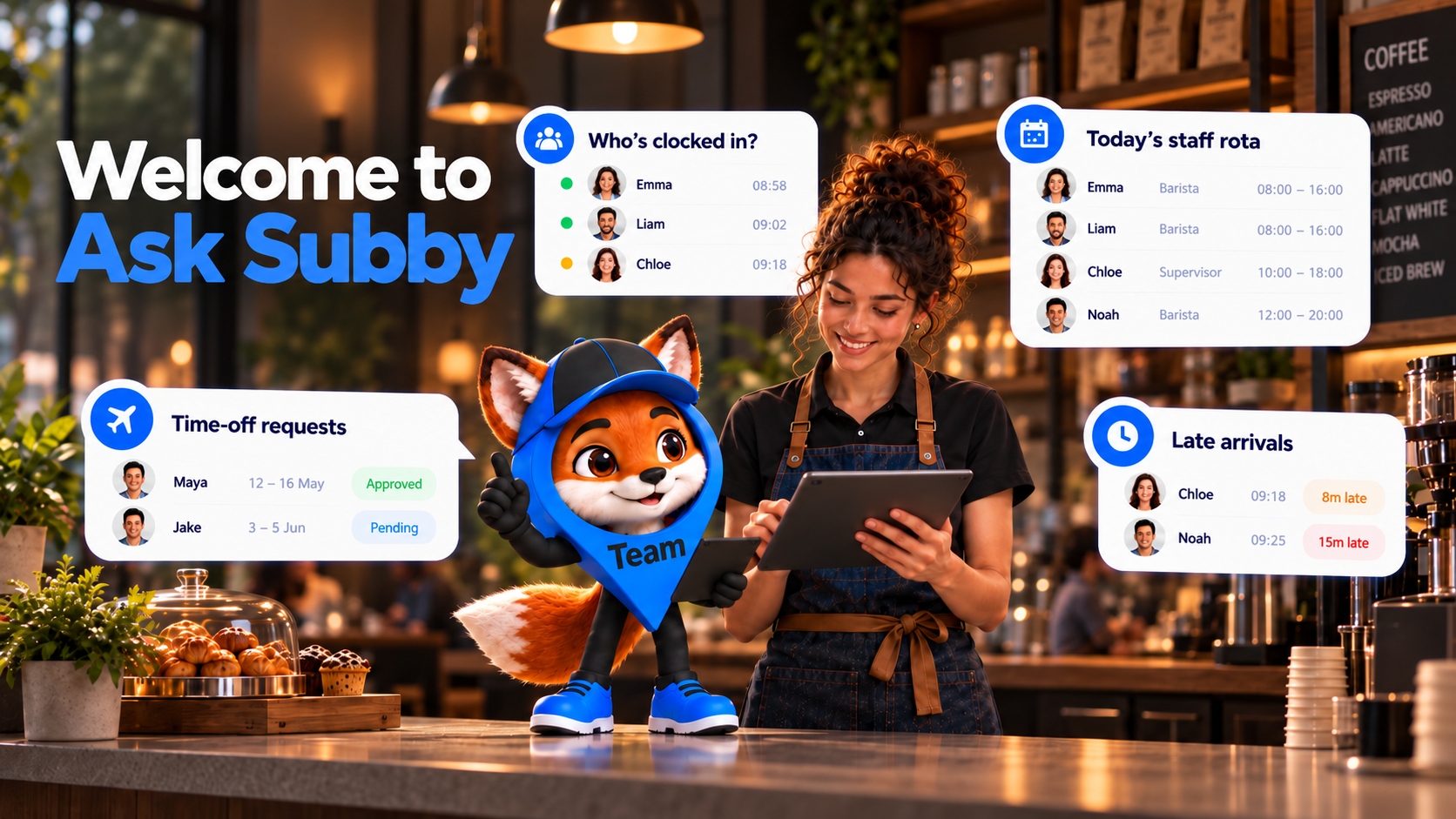
From checking who's clocked in to keeping on top of shifts, payroll and staff requests, Ask Subby helps you stay connected to your business wherever you are.
- See who's clocked in and working live
- Catch late arrivals and missed shifts
- Stay on top of shifts and rotas
- Check timesheets and payroll
- Ask naturally, using your voice (planned)
Less Admin. More Time Running Your Business.
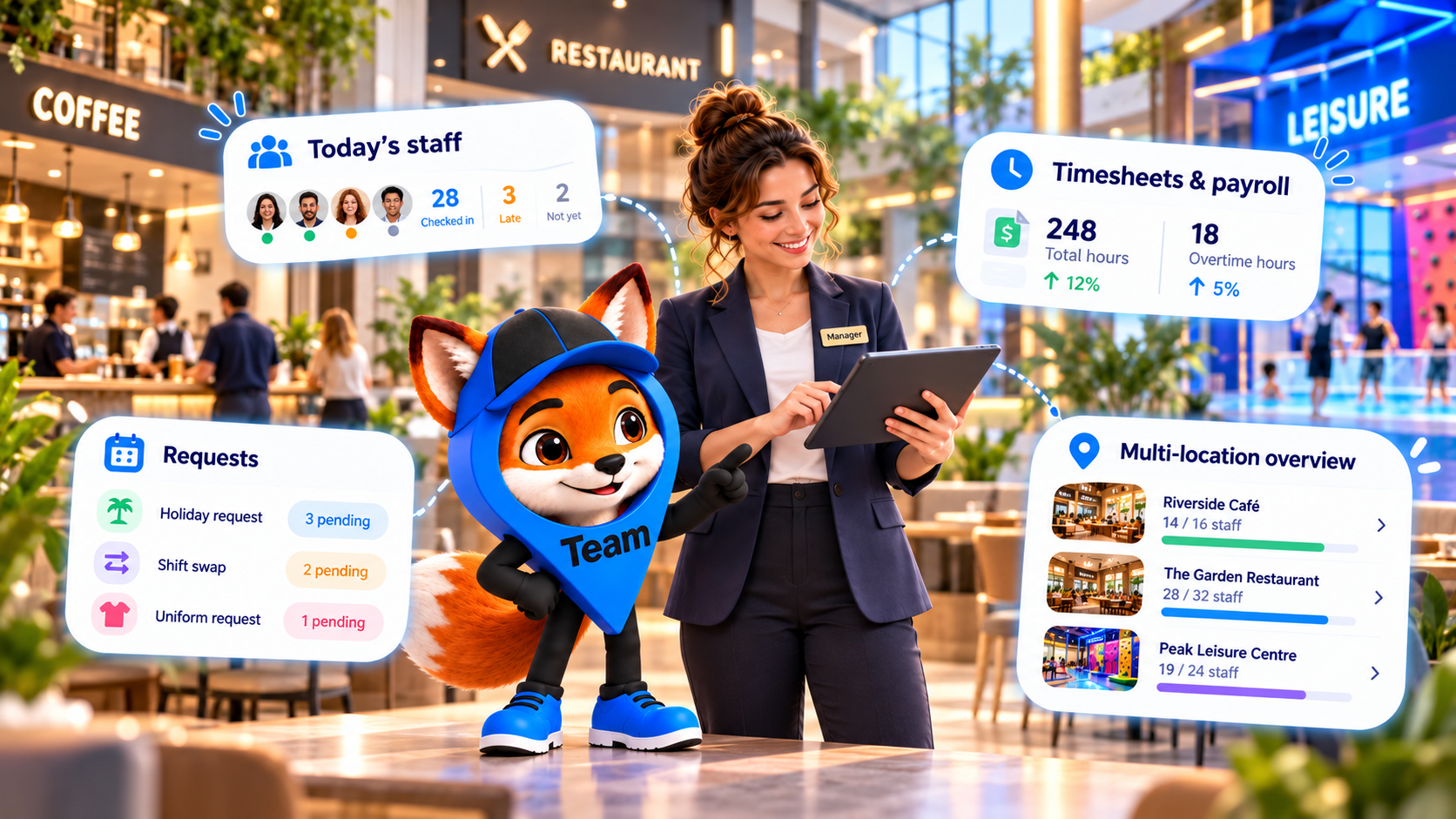
Running a team means juggling shifts, attendance, holiday requests, timesheets and payroll.
Ask Subby brings the answers together in one simple conversation.
Whether you're managing one location or several, useful information is always close at hand.
Your Business. Your Team. Your Subby.
No complicated commands. No searching through menus. Just ask Ask Subby naturally, as if you're talking to someone in the office. Fast, simple and designed for busy managers running a team.
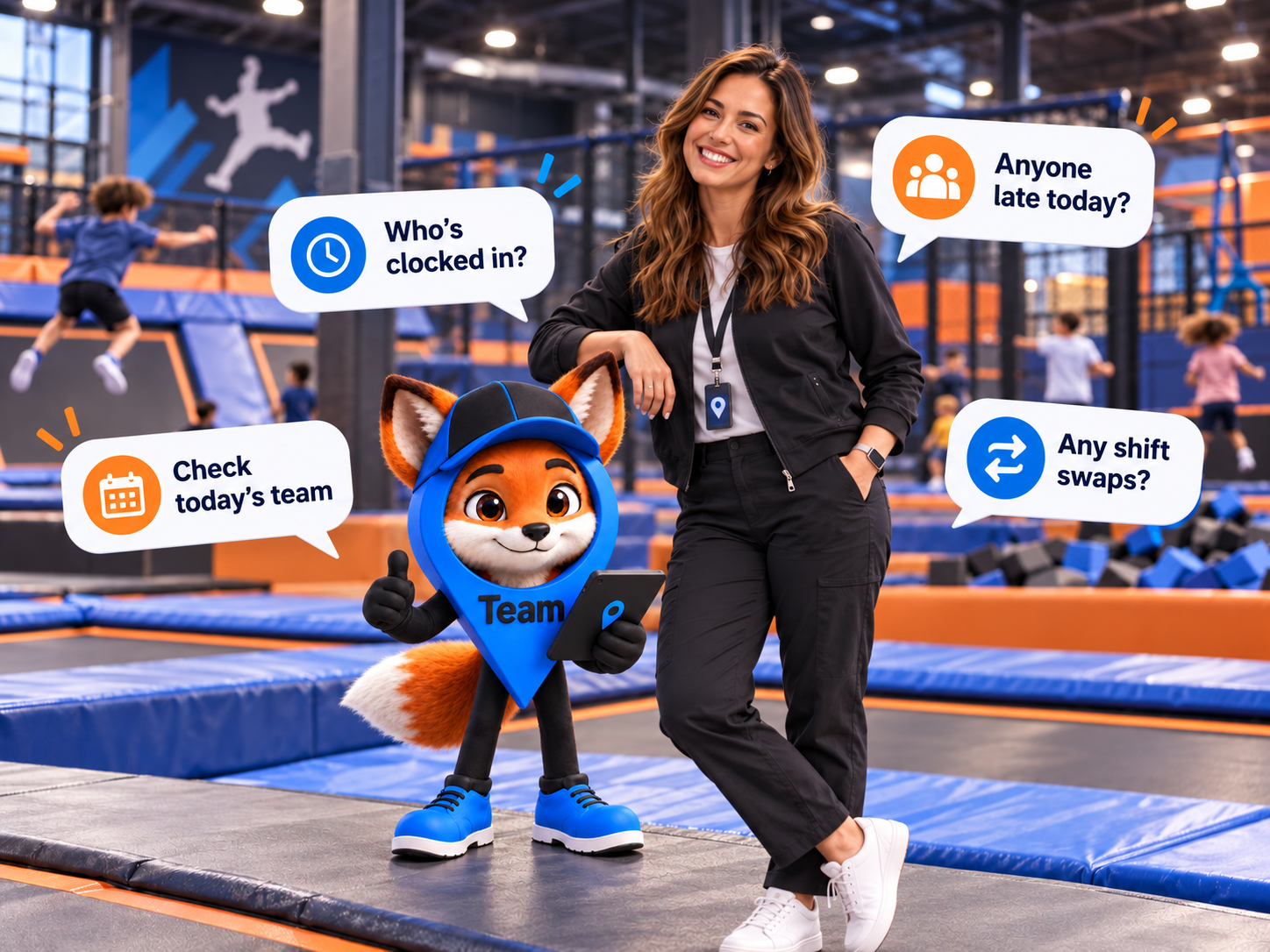
Your Whole Workforce, One Question Away.
Ask Subby brings the answers you need together through a simple conversation. From attendance and shifts to timesheets, payroll and reports, just ask.
Live Staff Attendance
Check GPS/NFC clock-ins, late arrivals, missing staff and who's currently working.
- “Who's clocked in right now?”
- “Who hasn't clocked in today?”
- “Who's running late this morning?”
Shifts & Live Diary
Ask about upcoming shifts, staff coverage, rota gaps and who's scheduled to work.
- “What's in the diary this week?”
- “Are any shifts uncovered?”
- “Who's working this Saturday?”
Timesheets & Payroll
Find working hours, breaks, overtime, payroll readiness and approved timesheets.
- “Show me this week's timesheets”
- “How much overtime this week?”
- “Are timesheets ready for payroll?”
Holiday & Shift Swaps
Check time-off requests, shift swaps, absences and pending approvals.
- “Any holiday requests waiting?”
- “Who's off next week?”
- “Any shift swaps to approve?”
Multi-Location Management
Get answers about different branches, staff coverage and activity across your locations.
- “Who's working at the Headington branch?”
- “How's coverage across all sites?”
- “Which branch is short-staffed today?”
Business Reports & Staff Requests
Ask about attendance performance, labour costs, workplace reports and outstanding employee requests.
- “Show me today's labour costs.”
- “Any outstanding staff requests?”
- “How's attendance this month?”
Built for Busy Businesses.
Ask Subby fits around how you run your team. Whether you're managing a coffee shop, pub, salon, barbers, bakery, gym or retail store, you can get useful business information without sitting behind a desk.
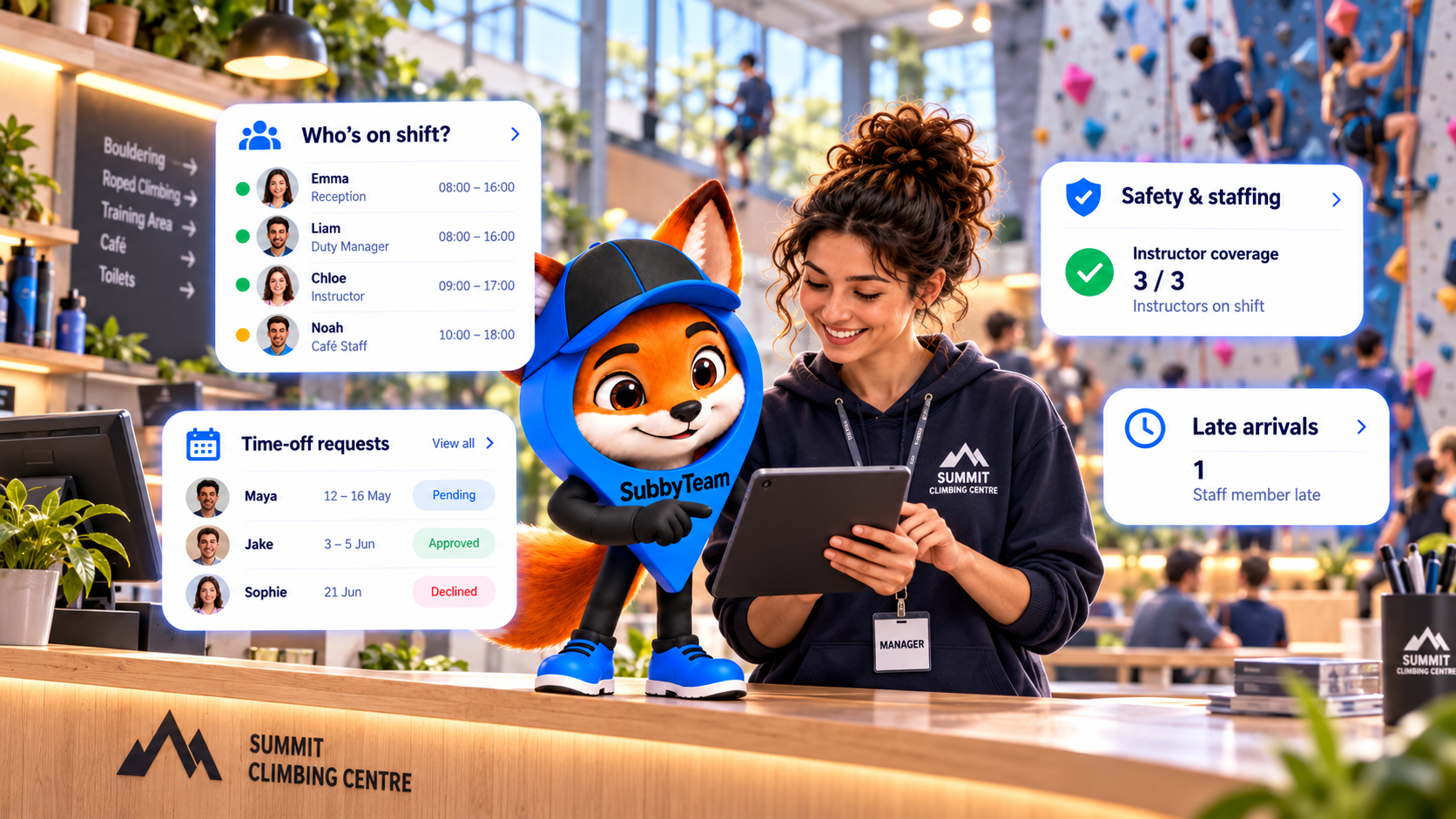
During a Shift
Check attendance and staffing while managing your workplace.
Across Locations
Keep track of teams working at different branches.
Back in
the Office
Review timesheets, payroll and outstanding requests.
On the
Move
Get quick business updates from your mobile wherever you're working.
Ask Subby — Flexible AI Support.
Your AI staff management assistant, available as an optional addition to your SubbyTeam subscription.
Optional monthly add-on to your SubbyTeam plan
- 60 voice minutes per month.
- AI-powered voice and text assistance.
- Staff attendance and late arrivals.
- Shifts, rotas and timesheets.
- Payroll and overtime information.
- Holiday requests and shift swaps.
- Multi-location staff information.
Extra voice minutes when you need them
- 60 additional voice minutes.
- For customers with an active Ask Subby subscription.
- Helps continue voice conversations when the monthly allowance runs low.
- No recurring top-up subscription.
- Additional minutes subject to the confirmed usage and expiry rules.
Ask Subby add-ons and voice top-ups are purchased and managed securely through your SubbyTeam account dashboard.
Pricing and allowances are proposed until launch — nothing is available to purchase today.
Frequently asked questions
Just Ask. Subby Has Your Back.
Ask Subby
Open Ask Subby inside your authorised SubbyTeam dashboard and ask a question.
Get an Answer
Ask Subby uses permitted information from your business to provide a useful answer.
Stay in Control
Use those answers to manage shifts, staff, payroll and business activity.
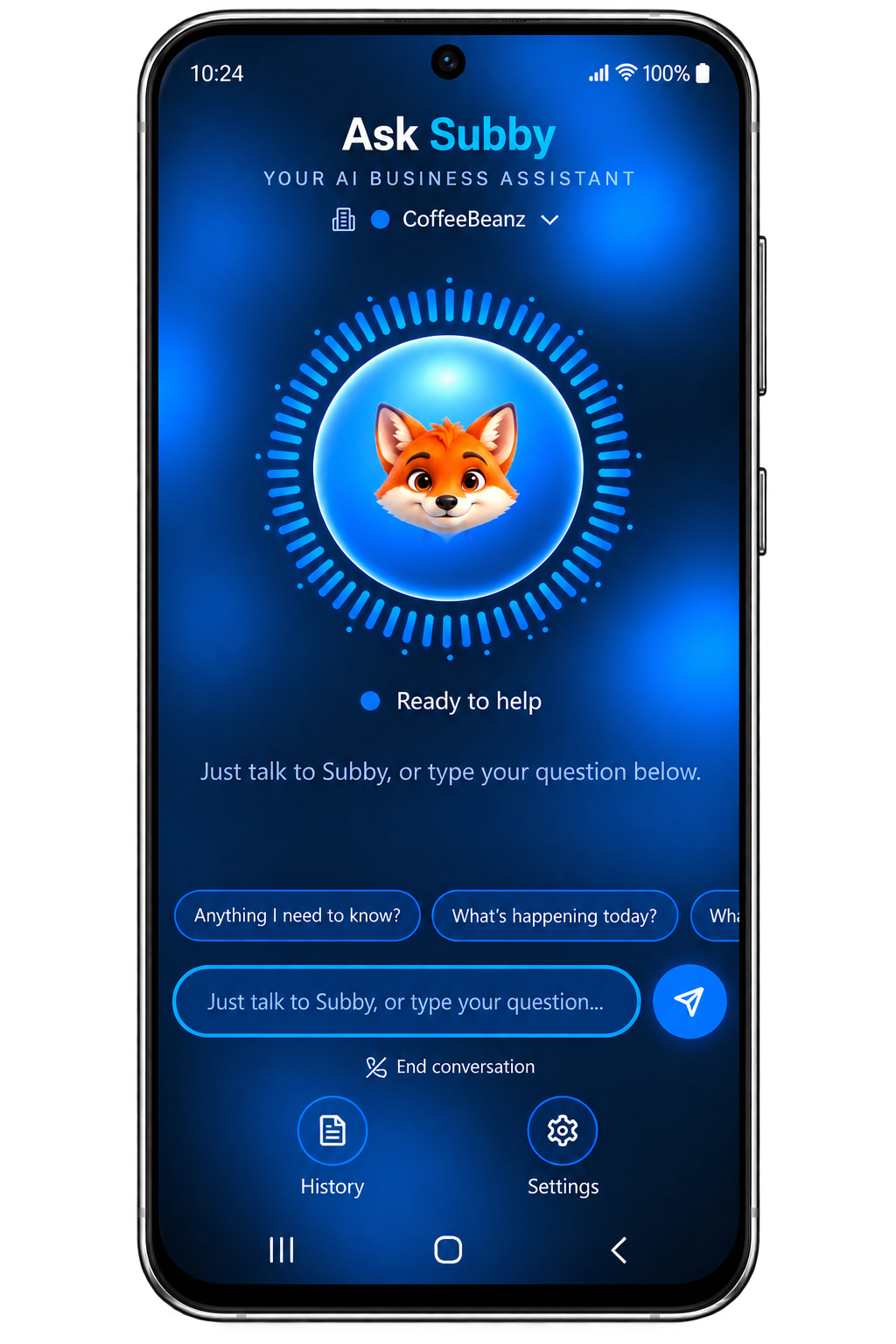
Your Business. Your Team. One Smart Assistant.
Ask Subby helps you spend less time searching for answers and more time running your team.
Ask Subby is an optional add-on you can activate from your SubbyTeam dashboard.